
¶ WeChat login in the mini program
Authing The developer provides the developer with a method of obtaining user information in a small program and completing the login. By Authing SDK can easily obtain the user identity identifier provided by WeChat, quickly establish an account system based on the mobile phone number.
- Application scenario: mini program;
- Overview: Used in WeChat applets, pop-up WeChat Authorization boxes, and you can get information on the current user after authorization;
- View WeChat official document (opens new window)
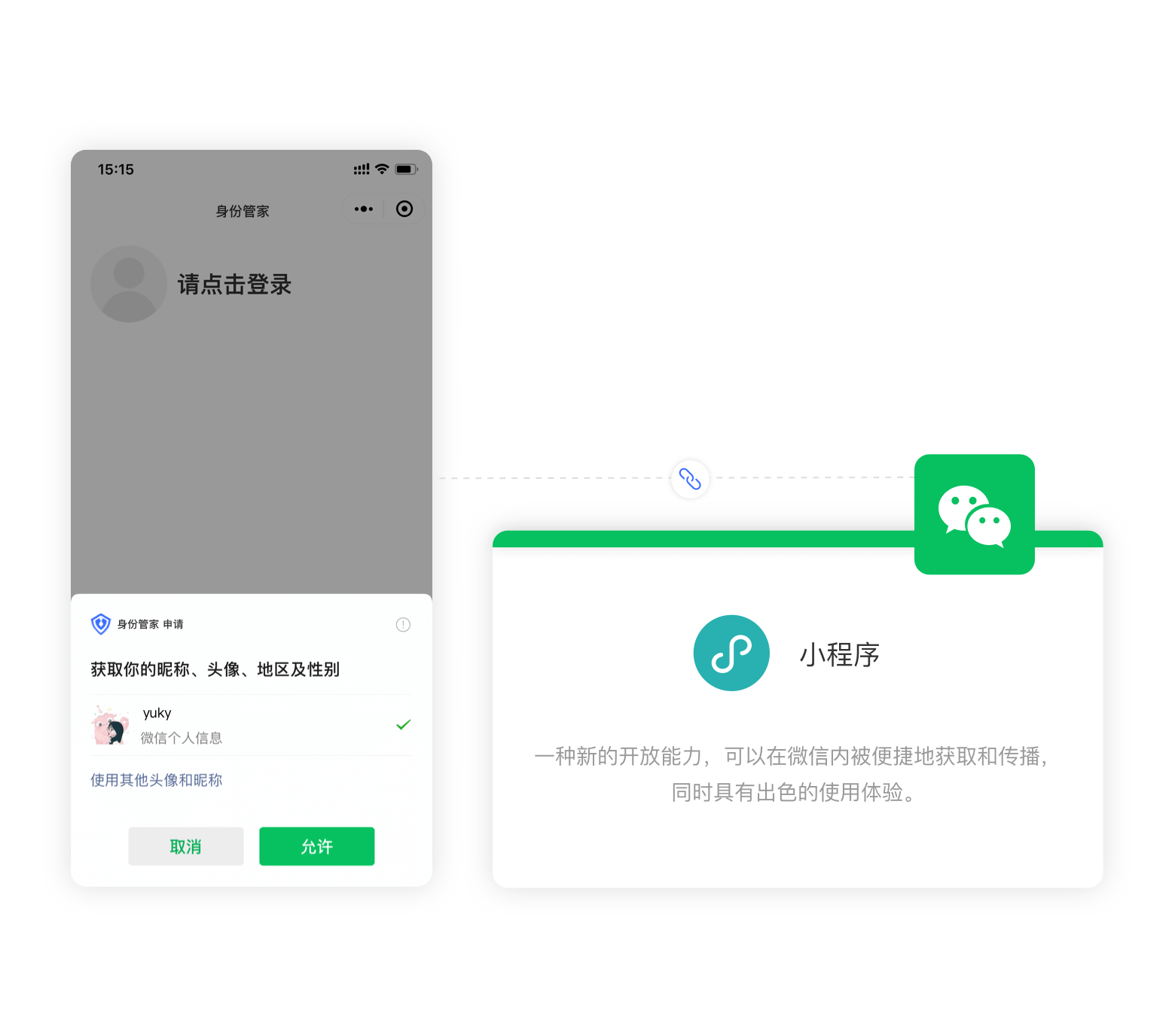
¶ Step 1: Create a small program at the WeChat public platform
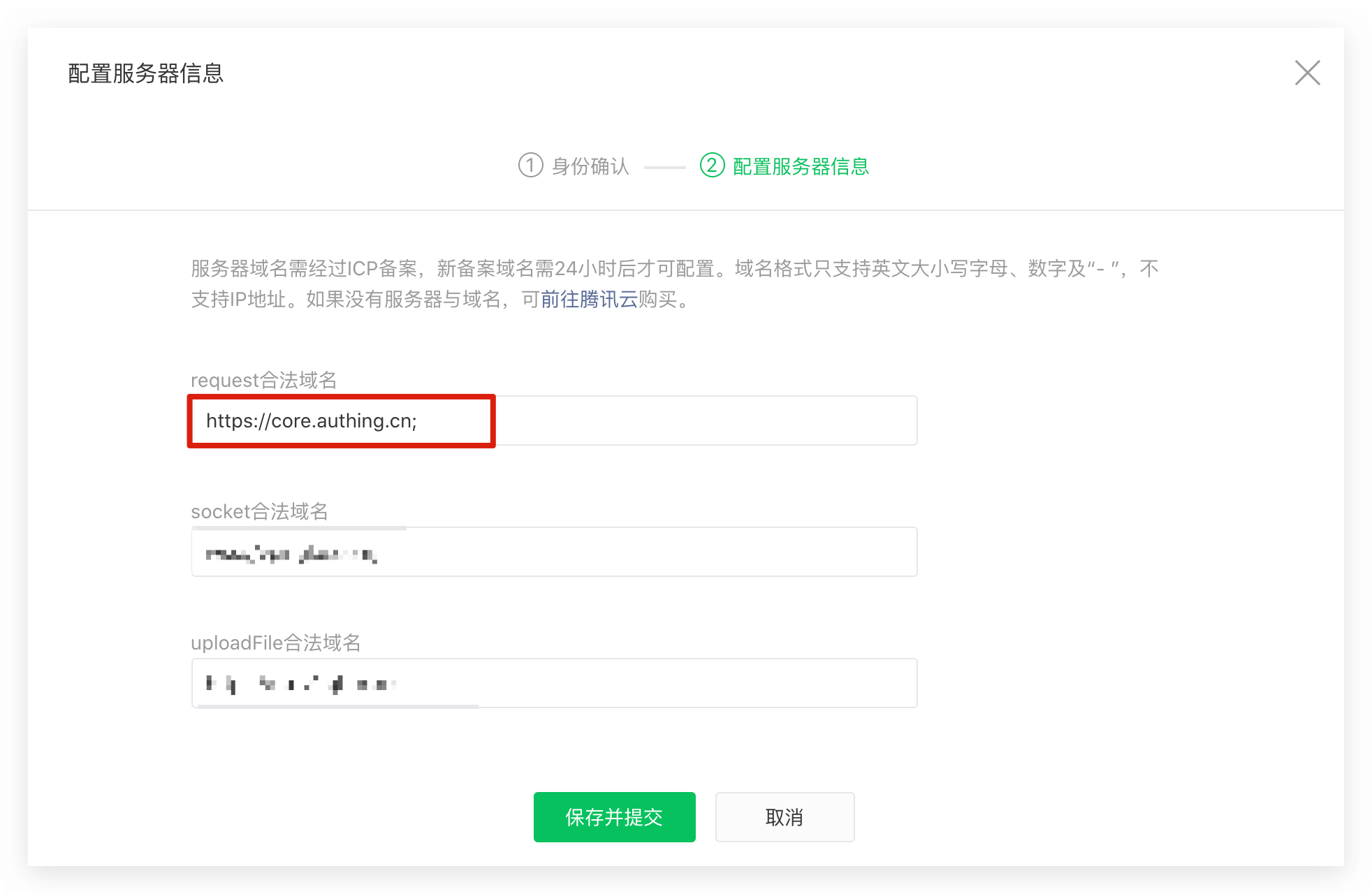
Please go to the WeChat public platform (opens new window)Guide creates a WeChat applet, you need to record the application App ID and App Secret, it needs to be used later. If you need to get the user's mobile phone number, you need to pass WeChat certification. and core.authing.cn add WeChat request legal domain name.
¶ Step 2: In the Authing console configuration WeChat applet application
In the console's social login configuration page, find WeChat applet app, fill in the following configuration:
- App ID: Appliance application ID;
- App Secret: A small program application key.
Click "OK" to save information after the configuration is complete.
¶ Step 3: Start development access
From the small program base library version 2.2.1 or more, and the developer tool 1.02.1808300 or above, the applet supports the use of NPM to install a third party package, please see: Please see: From the small program base library version 2.2.1 or more, and the developer tool 1.02.1808300 or above, the applet supports the use of NPM to install a third party package, please see: npm support | WeChat open document (opens new window).
¶ Install npm package
Use npm:
npm install authing-wxapp-sdk
or use yarn:
yarn add authing-wxapp-sdk
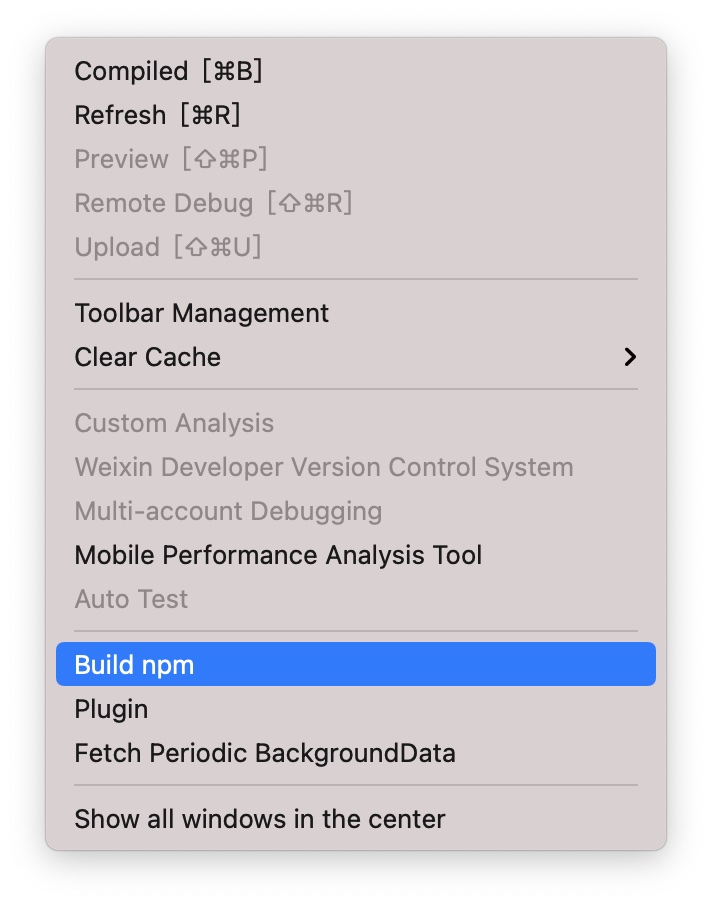
Click on the menu bar in the developer tool: Tool -> Build NPM:
const { AuthenticationClient } = require("authing-wxapp-sdk");

const authing = new AuthenticationClient({
  appId: "AUTHING_APP_ID"
});
¶ Call login method
AuthenticationClient provides theloginByCode method, you can complete the silent login through WeChat authorization:
const { code } = await wx.login();
// No user authorization
const user = await authing.loginByCode(code); // Successfully logged in, write token to WeChat Storage

// You can do this after logging in
await authing.updateProfile((nickname: "Bob"));
After the user completes the login, the SDK writes the user's token into the WeChat's Storage, and subsequent requests will automatically carry token access.

Subsequent users open the applet, if the user's token is saved in the Storage of the applet, access the authing request will automatically bring the token.
// This request can be successful because the user is out of the login state.
await authing.updateProfile((nickname: "Mick"));
For details, please see the documentation: Apprentrate SDK。
¶ Next
After obtaining the user information, you can get the user's identity credential (the token field ), which you can carry in subsequent requests sent by the client to the backend server token, for axios example :
const axios = require("axios");
axios
  .get({
    url: "https://yourdomain.com/api/v1/your/resources",
    headers: {
      Authorization: "Bearer ID_TOKEN"
    }
  })
  .then(res => {
    // custom codes
  });
The legitimacy of this needs to be checked in the back-end interface to verify the user's identity. For details of the verification method, see Verifying User Identity Credentials (token) . After identifying the user's identity, you may also need to perform permission management on the user to determine whether the user has permission to operate this API.